Fast scanning, with photos
Every item shows its photo and price. For multiples, the cashier types the quantity first.
Real screens from the product tour. Tap any one to watch it in the full tour.
Every item shows its photo and price. For multiples, the cashier types the quantity first.
Shoppers watch each item and the running total as it's scanned, with your promotions between sales.
Part cash, part card on the integrated card machine, approved right at the till.
Plain-language questions in several languages, answered from the store's own data in seconds.
No picture? Double-click the empty image and a clean product photo appears a few seconds later.
Scan the card or type a cell number. Name and points appear, and points are added on every sale.
Shoppers buy airtime, data and bill payments and pay by card, no cashier needed.
Open another till with one key. The queue screen calls the next customer, on screen and out loud.
The network drops and the cashier carries on. Sales queue on the till and post by themselves later.
A narrated walk through CAD 2.0, recorded on the real product with demo data. Jump to any chapter.
Networks go down. Your tills shouldn’t. Every CAD till trades on its own and catches up with head office the moment the line comes back. No batch jobs, no manual reconciliation.
TestedNot just an animation. In our Performance Lab, every sale taken during a server outage reached the server exactly once, to the cent. See the test resultsCAD 2.0 is our frontline till: the screen your cashiers live on all day and the one your customers see. It is built for the pace of a busy supermarket, and the same till runs hardware stores and general retail. Everything in the tour is the real product running on demo data.
How the tills, the store server, head office and the warehouse fit together, what keeps working offline and what it runs on: How CAD 2.0 works. How it held up when we cut the network, locked the database and ran 100 tills at once: the Performance Lab. What changed recently: what’s new in CAD 2.0.
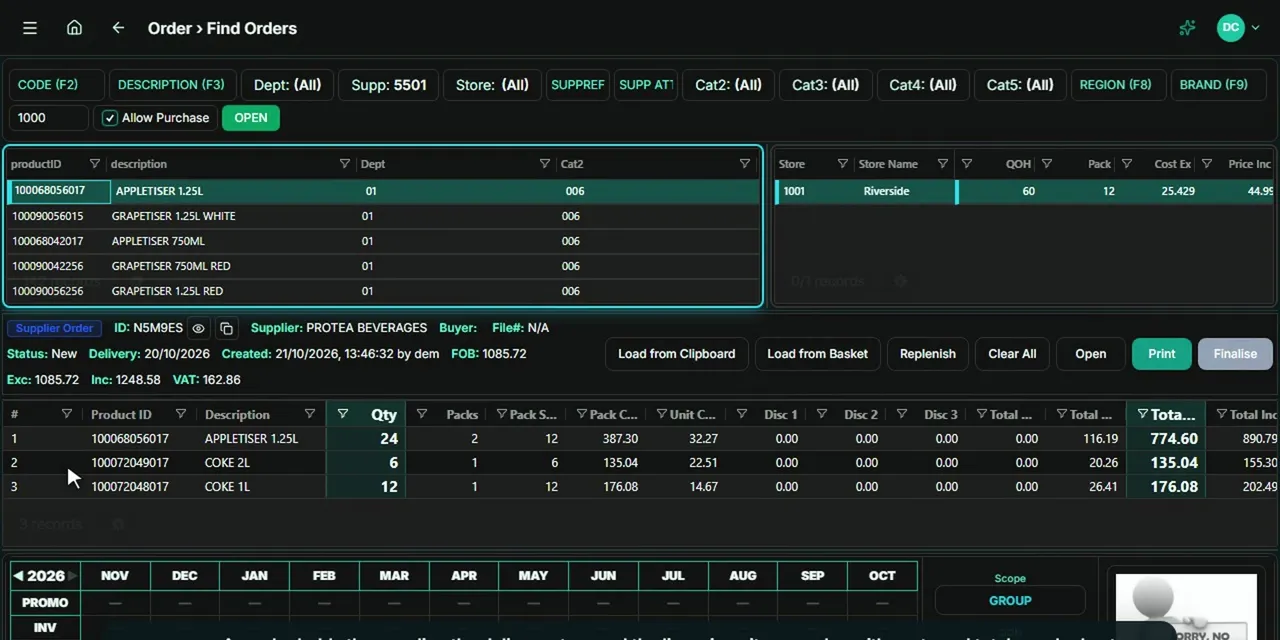 Tour 4:12General retail & supermarketsEndgameThe head-office back office for multi-store retail.Explore
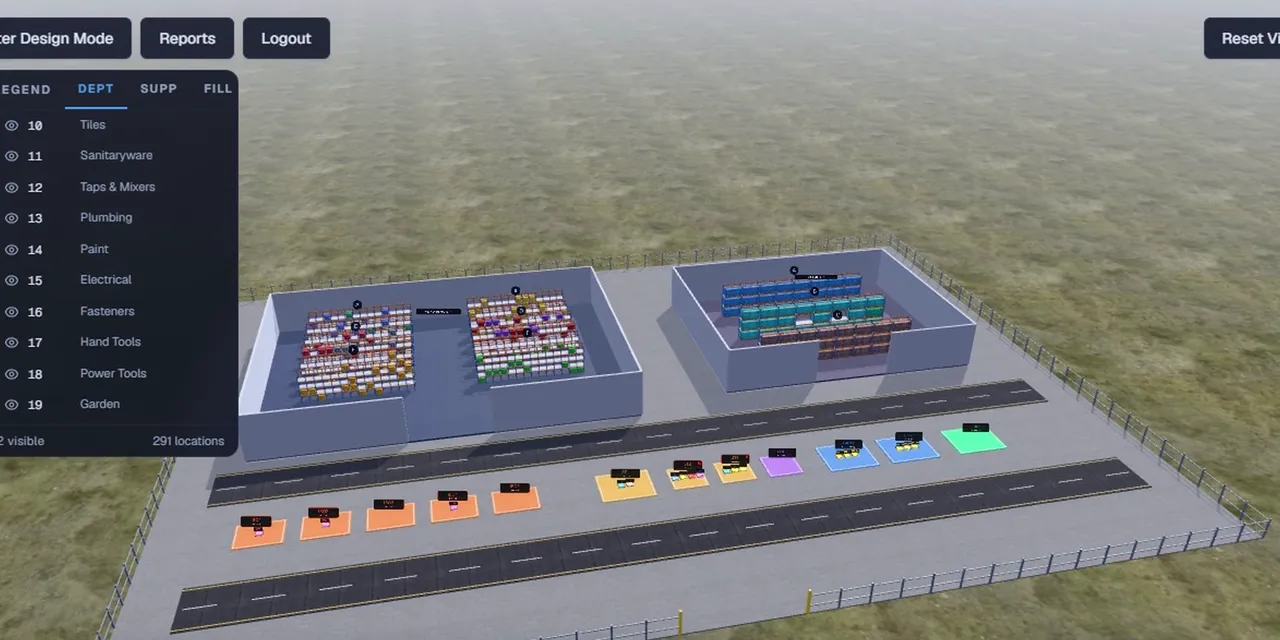 Tour 6:34General retail & supermarketsWMSWarehouse management for teams moving off paper.Explore
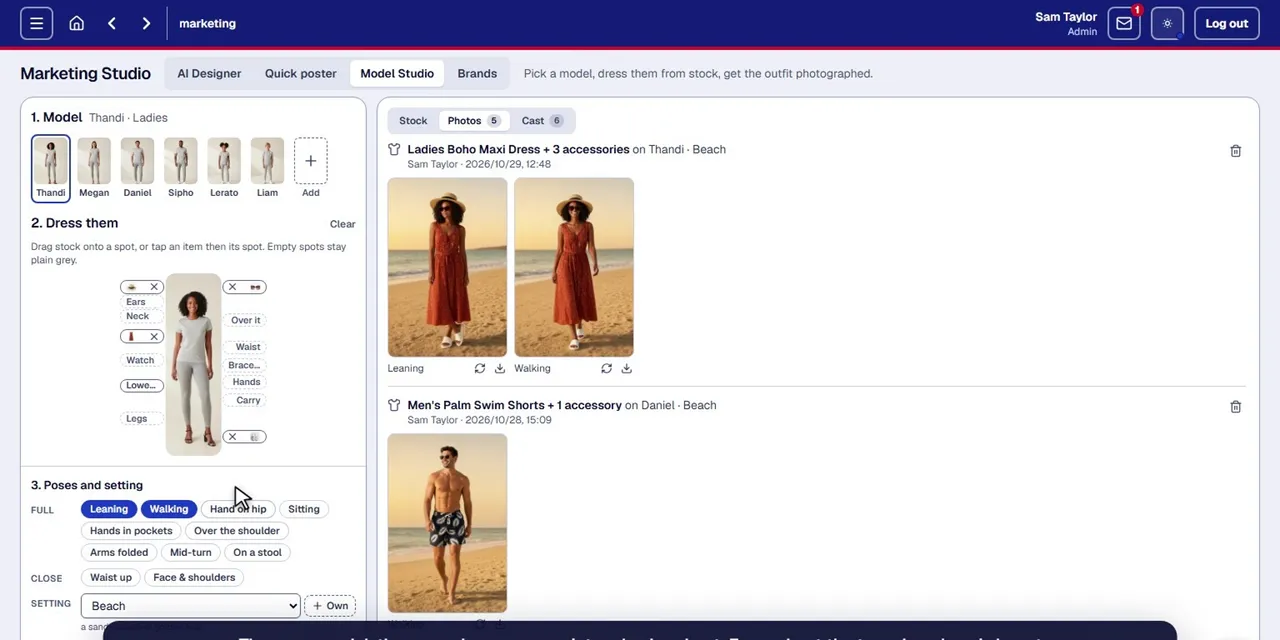 Tour 5:06Add-onCAD Marketing StudioProduct photos, clothing on models, posters and pamphlets, made from the products you already sell.Explore