Buying on better terms
Purchase orders for one store, the DC, drop shipments, brands and attributes. Supplier deals, including discounts, free stock, and tally and sally rewards, are captured against the products they cover.
Watch in Endgame1:03Once a retailer has more than a handful of stores, head office decides what to buy, on what terms, at what price, and needs to see how much each store made. CAD's head-office software does that for every store from one place. Which system depends on how you trade. Endgame with CAD 2.0 for general retail and supermarkets, XStock 2.0 with XPOS 2.0 for clothing chains, and HomePOS 2.0 for hardware, building supply, electrical and furniture retailers. Endgame can also be added over XStock 2.0 or HomePOS 2.0.
Every point links to the moment it happens in the real product tour.
Purchase orders for one store, the DC, drop shipments, brands and attributes. Supplier deals, including discounts, free stock, and tally and sally rewards, are captured against the products they cover.
Watch in Endgame1:03New shelf prices from a date, built on a basket of products. Promotions and Mix and Match offers get a clash check and a sandbox, and reach the tills only once finalised.
Watch in Endgame2:43Sales, cost and gross profit by store, department, supplier or item, for any period, or this October against last with the difference for every store.
Watch in Endgame2:15What each store holds, item by item, filtered by department, supplier or category, and what that stock is worth.
Watch in Endgame1:45The XPOS head-office dashboard shows which stores are fine, which need attention and why, and which have gone quiet, and whether every sale has reached the cloud.
Watch in XPOS 2.04:12The pace against target and last year, a short list of what needs attention, and every store coloured by how it is trading.
Watch in XStock 2.07:24Prices, promotions and settings sent to the stores, with which stores applied each change and when, and why a store is stuck.
Watch in XStock 2.010:48Settings are set for the whole group, or per store where a store differs, and changes reach the tills within minutes.
Watch in XPOS 2.04:55Role-based menus decide who can do what, and an audit log records who changed what.
Watch in Endgame3:47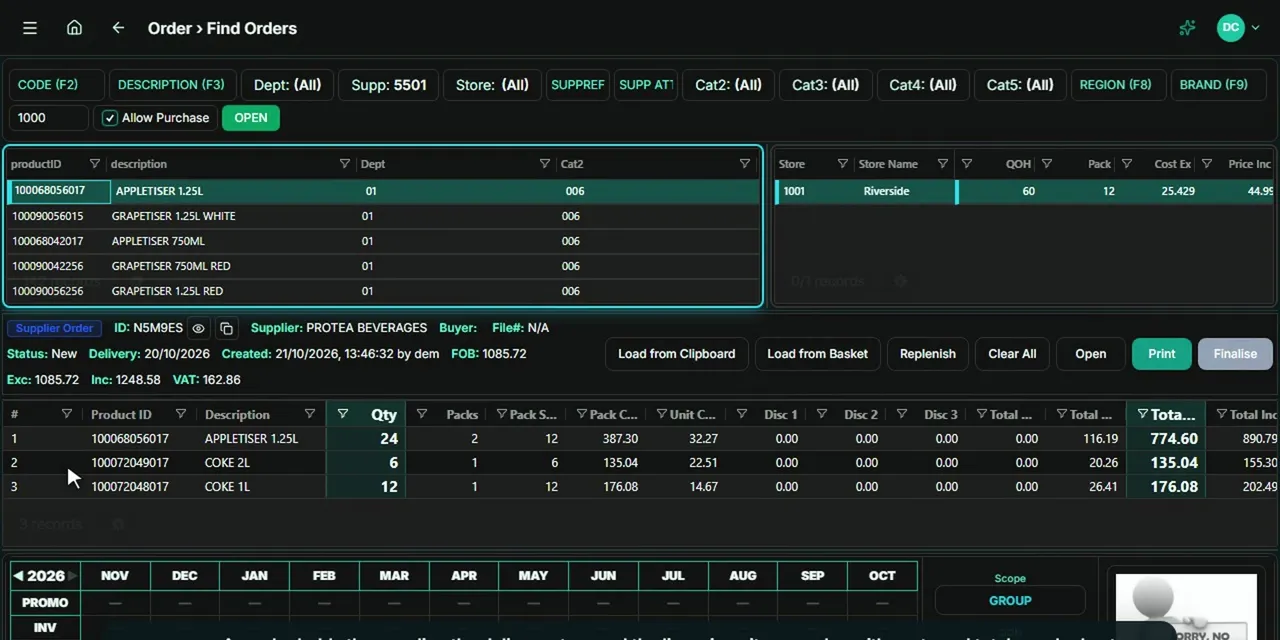 Tour 4:12General retail & supermarketsEndgameThe head-office back office for multi-store retail.Explore
For general retail and supermarkets, with CAD 2.0 tills, and an add-on for XStock 2.0 and HomePOS 2.0. Buying, supplier deals, price changes, promotions, competitor prices, stock and gross-profit analysis for every store.
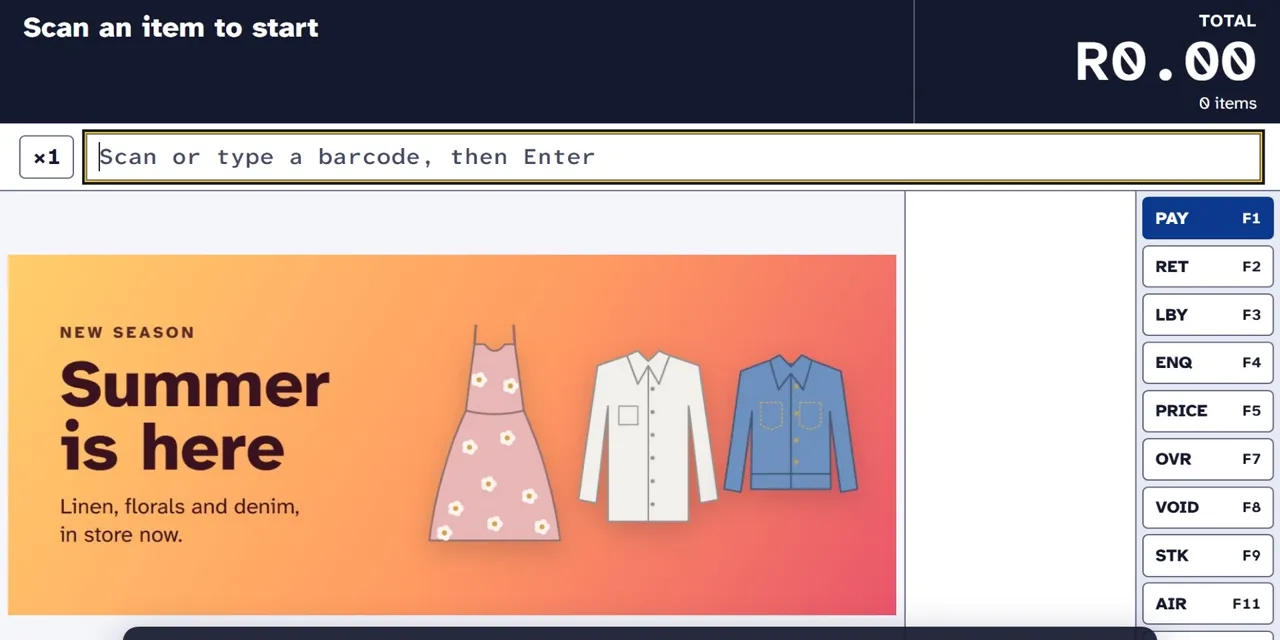 Tour 5:37Clothing & fashionXPOS 2.0Point of sale for clothing retail, from the till to head office.Explore
For clothing chains, with XStock 2.0. A cloud dashboard showing every store's health, with till replay, unlock codes, group settings and banners.
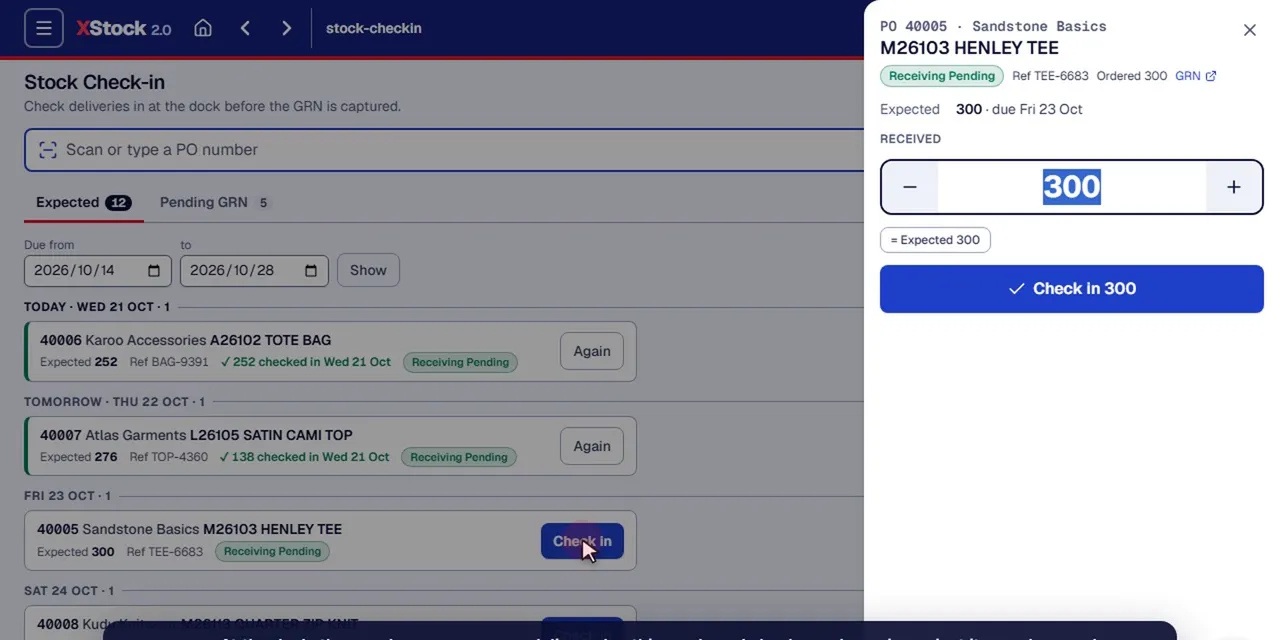 Tour 14:23Clothing & fashionXStock 2.0Head-office stock management for multi-store clothing retail.Explore
For clothing chains, with XPOS 2.0 tills. Buying with open-to-buy budgets, distribution to the stores, pricing, promotions and live sales against target.
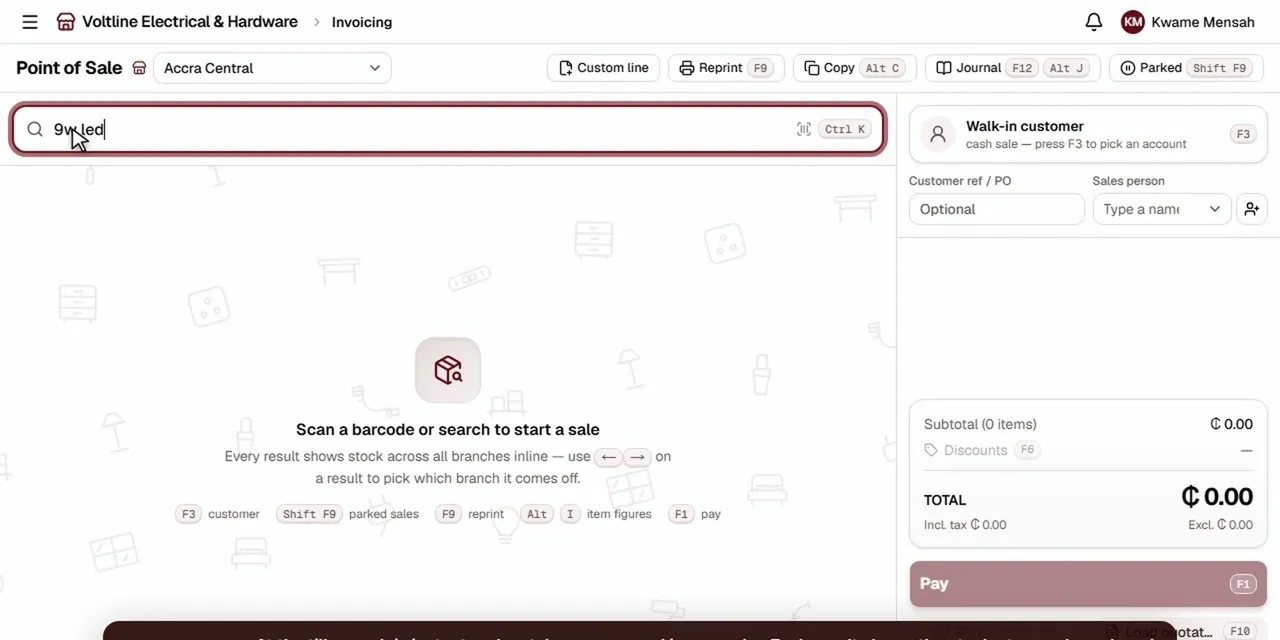 Tour 8:49Hardware, building, electrical & furnitureHomePOS 2.0The counter, the stockroom and the books for multi-branch retailers.Explore
For hardware, building supply, electrical and furniture retailers. Stock, transfers, purchasing and reporting across branches, warehouses and showrooms, with Endgame as an option.
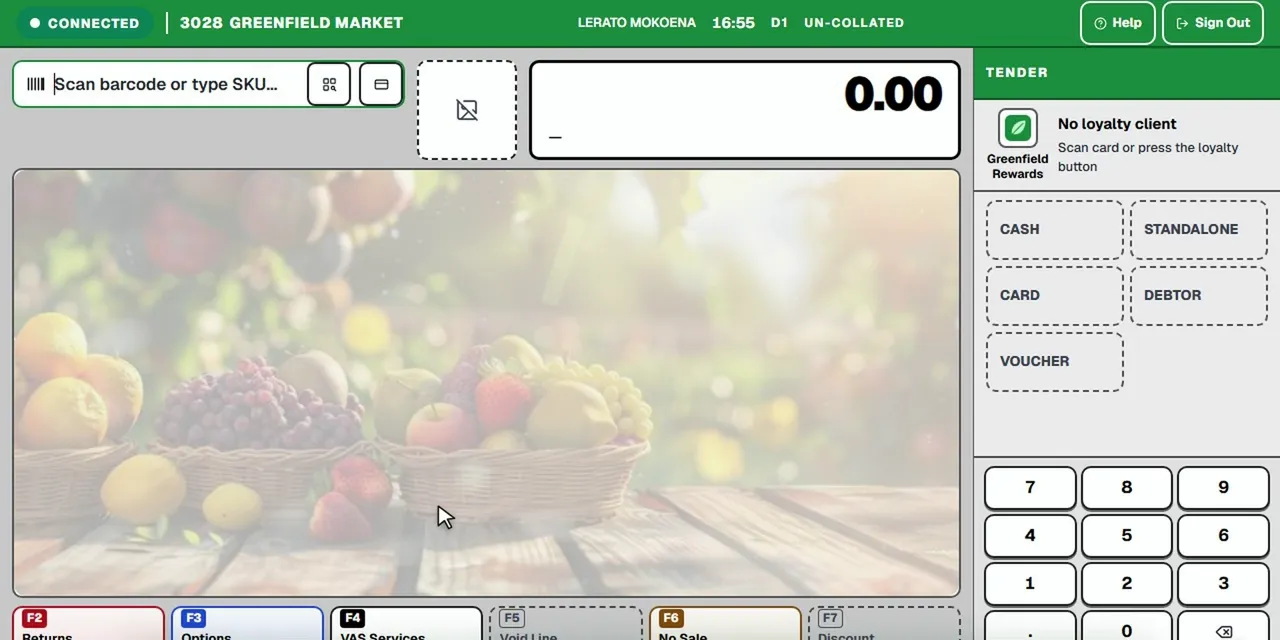 Tour 5:07General retail & supermarketsCAD 2.0Frontline point of sale for busy supermarkets.Explore
The supermarket and general retail tills that Endgame runs. Every till and screen is updated centrally from head office.
It depends on how you trade. General retailers and supermarkets run Endgame at head office with CAD 2.0 at the tills. Clothing and fashion chains run XStock 2.0 with XPOS 2.0 tills. Furniture retailers and stores with a supply chain behind the sale run HomePOS 2.0, which covers head office, branches and the counter. Endgame can be added over XStock 2.0 or HomePOS 2.0 too.
Yes. Endgame shows sales, cost and gross profit by store, department, supplier or item for any period, and can put two periods side by side with the difference for every store. Analyses can be pinned, drilled into or shared as a link.
Yes. A price change is built on a basket of products and takes effect from a date. It's drafted and checked first, and reaches the tills only once it's finalised. Promotions return to the normal price when they end.
Discounts, free stock, and tally and sally rewards are captured against the products a supplier's deal covers, and the Deal Explorer shows every deal line across suppliers and periods with the totals at the top.
For XPOS stores, yes. The cloud dashboard lists each store's tills and their versions, whether every sale has reached the cloud, and which stores need attention or have gone quiet.
Administrators manage users, roles and permissions, each person's menu shows only the areas their role allows, and an audit log records who changed what.