Your clothing, on a model
The same model in the same outfit, every print and colour kept, photographed in the poses and setting you chose.
Product photos, clothing on models, posters and pamphlets, made from the products you already sell.
Photograph new stock on a phone and AI cleans each photo onto white. Put clothing on models, then have the AI Designer lay out posters and pamphlets in your brand, with names and prices taken from stock.
Real screens from the product tour. Tap any one to watch it in the full tour.
The same model in the same outfit, every print and colour kept, photographed in the poses and setting you chose.
Moments after each photo is taken, the clutter is gone and the item is centred on white. One tap puts the photos on the products.
The AI Designer lays out the page, then checks it: every product and price there, nothing cut off, the brand's colours, logo and footer.
Every version comes as an A4 page ready to print and as a post for social media.
Ask for something different in your own words and the page is changed. Undo is always there.
It samples two covers first, so the direction is right before the rest of the pamphlet is made.
Pick a cover and the other pages follow its look, with products grouped by type and a back page listing every store.
Every design follows the store's brand profile: its colours, logos, fonts and footer lines.
A narrated walk through CAD Marketing Studio, recorded on the real product with demo data. Jump to any chapter.
CAD Marketing Studio turns the products a store already sells into its marketing: clean product photos, clothing on models, posters and pamphlets. It works from the products, stock and prices in your CAD system, so nobody retypes a name or a price. It’s an add-on for CAD 2.0, for XPOS 2.0 with XStock 2.0, and for HomePOS 2.0. Everything in the tour is the real product running on demo data.
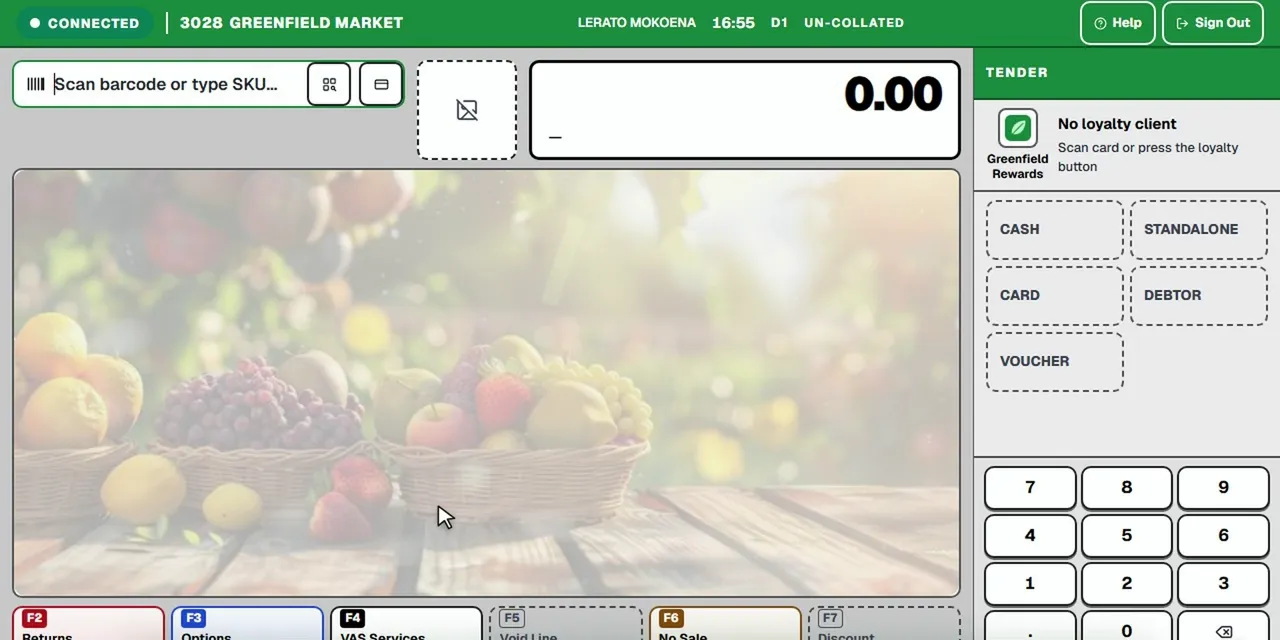 Tour 5:07General retail & supermarketsCAD 2.0Frontline point of sale for busy supermarkets.Explore
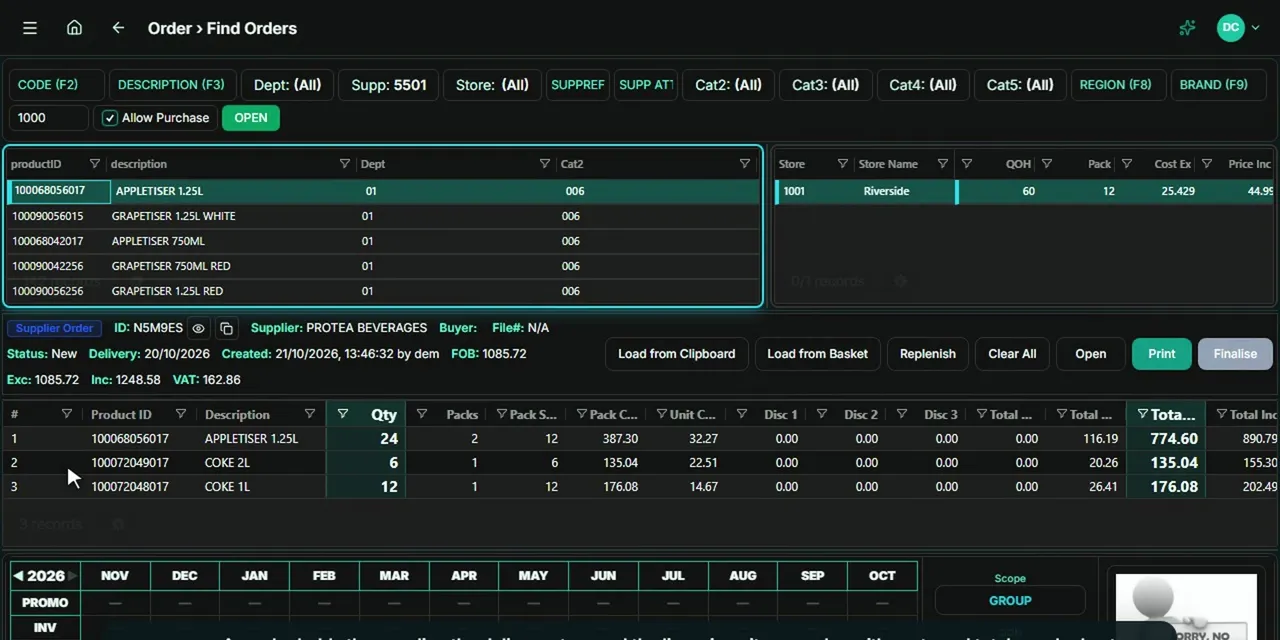 Tour 4:12General retail & supermarketsEndgameThe head-office back office for multi-store retail.Explore
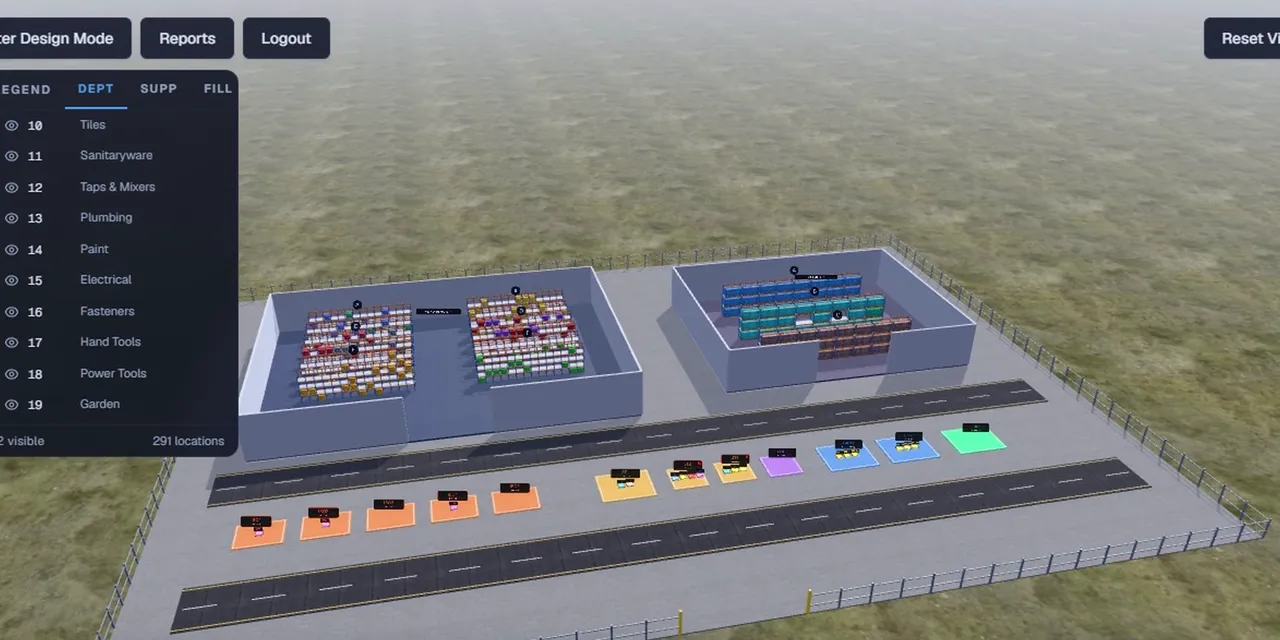 Tour 6:34General retail & supermarketsWMSWarehouse management for teams moving off paper.Explore
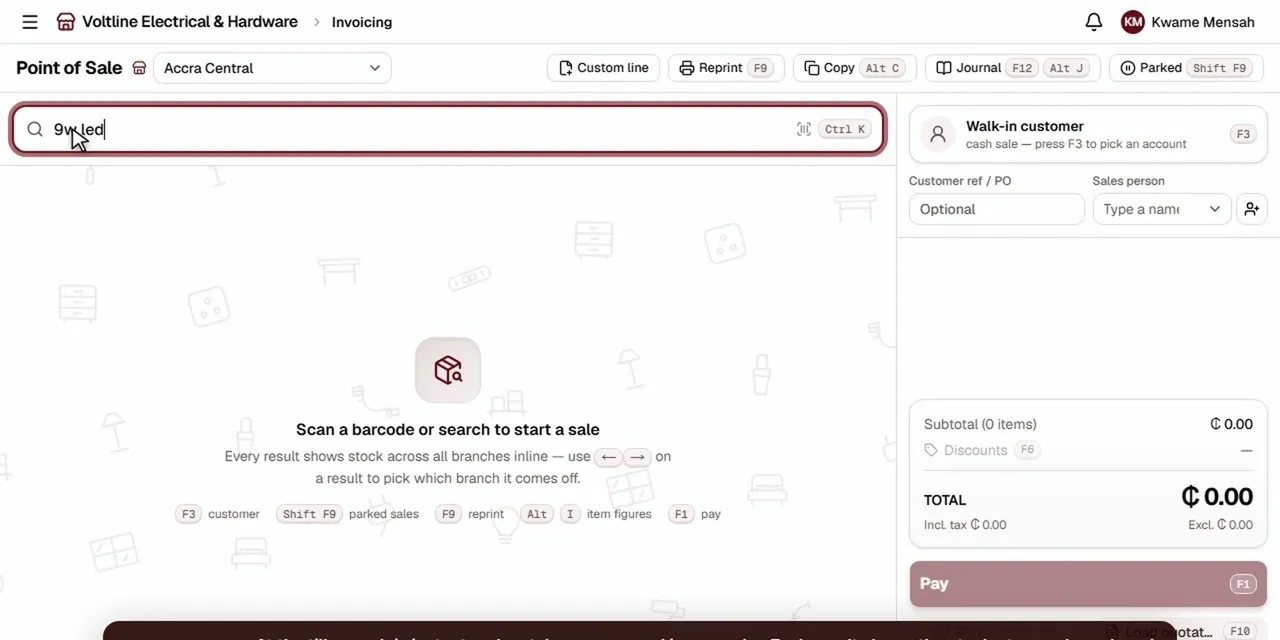 Tour 8:49Hardware, building, electrical & furnitureHomePOS 2.0The counter, the stockroom and the books for multi-branch retailers.Explore
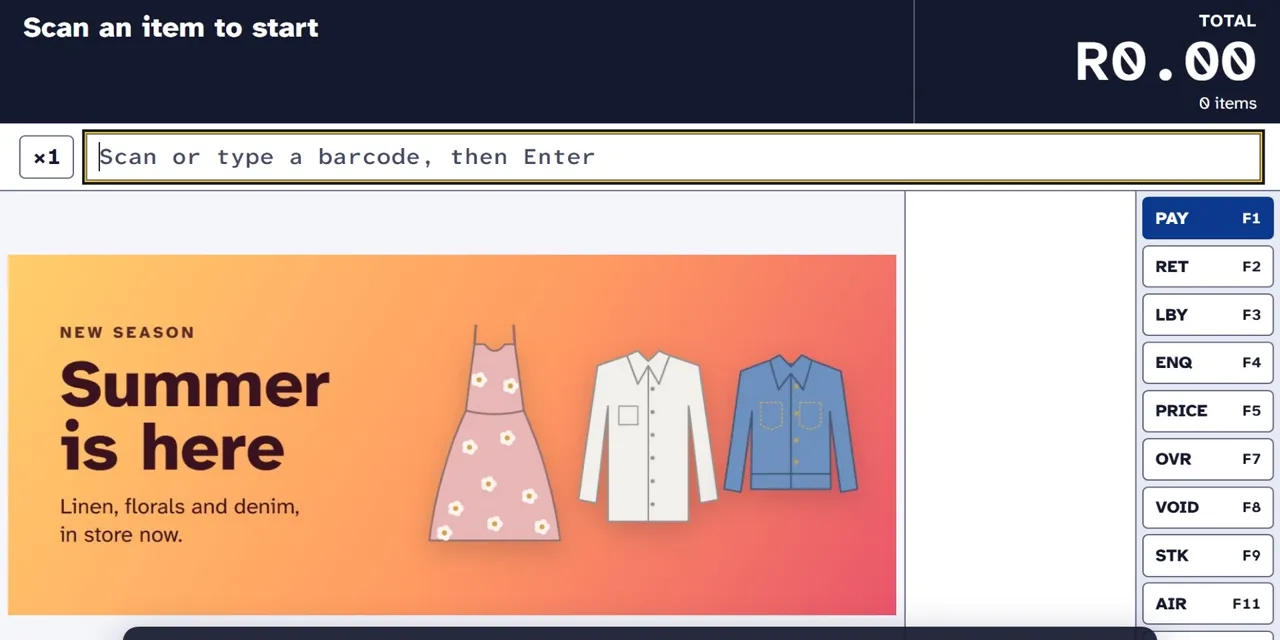 Tour 5:37Clothing & fashionXPOS 2.0Point of sale for clothing retail, from the till to head office.Explore
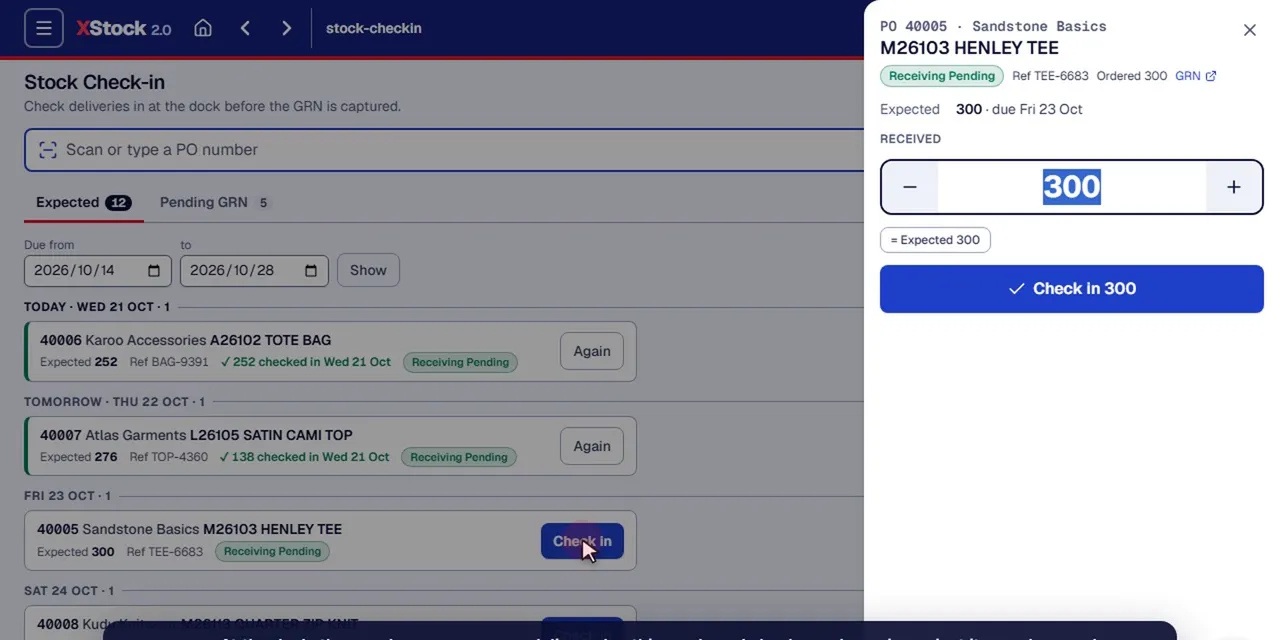 Tour 14:23Clothing & fashionXStock 2.0Head-office stock management for multi-store clothing retail.Explore