Every colour and size, one key away
One key shows the selected style's stock on the floor and on lay-by in every colour and size, with its price and how many have sold.
Watch in XPOS 2.01:01Clothing retail means styles in every colour and size, promotions that change by the week, lay-bys and staff accounts. XPOS 2.0 runs the stores, from a keyboard-fast till to a cloud dashboard where head office sees every store. XStock 2.0 runs head office and the warehouse, from the purchase order to the sale in store.
Every point links to the moment it happens in the real product tour.
One key shows the selected style's stock on the floor and on lay-by in every colour and size, with its price and how many have sold.
Watch in XPOS 2.01:01Markdowns, mix and match and bulk promotions apply as items are scanned, and every line shows which promotion applied.
Watch in XPOS 2.00:49With a manager's password, a return finds the receipt and refunds the item's share of the promotion, not its full price.
Watch in XPOS 2.01:19Put the basket on lay-by, capture the customer and take the deposit. The contract prints, and the stock moves from the floor to the lay-by room.
Watch in XPOS 2.01:40Staff buy on their account. The till shows what each person has available, and a supervisor approves the sale.
Watch in XPOS 2.02:03Prepaid airtime, data and bill payments through Blue Label, in or out of a sale, with the PIN on its own slip.
Watch in XPOS 2.02:15Day-end checks the airtime, closes the day for every till, prints the cash-up and says exactly what to bank. Head office sees what was banked.
Watch in XPOS 2.03:45A cloud dashboard shows which stores are fine, which need attention and why, and which have gone quiet. Settings, banners and pictures reach the tills within minutes.
Watch in XPOS 2.04:12Purchase orders by supplier and season, with size ratios per colour and open-to-buy budgets. When a delivery arrives, a box count fills in the sizes from the order's ratio.
Watch in XStock 2.01:29Allocation per store and size, box labels, packing on handheld scanners and dispatch waves with waybills. Any box can be followed from packing to the store.
Watch in XStock 2.03:39When a store phones in, support replays the till's screen with every key the cashier pressed.
Watch in XPOS 2.04:31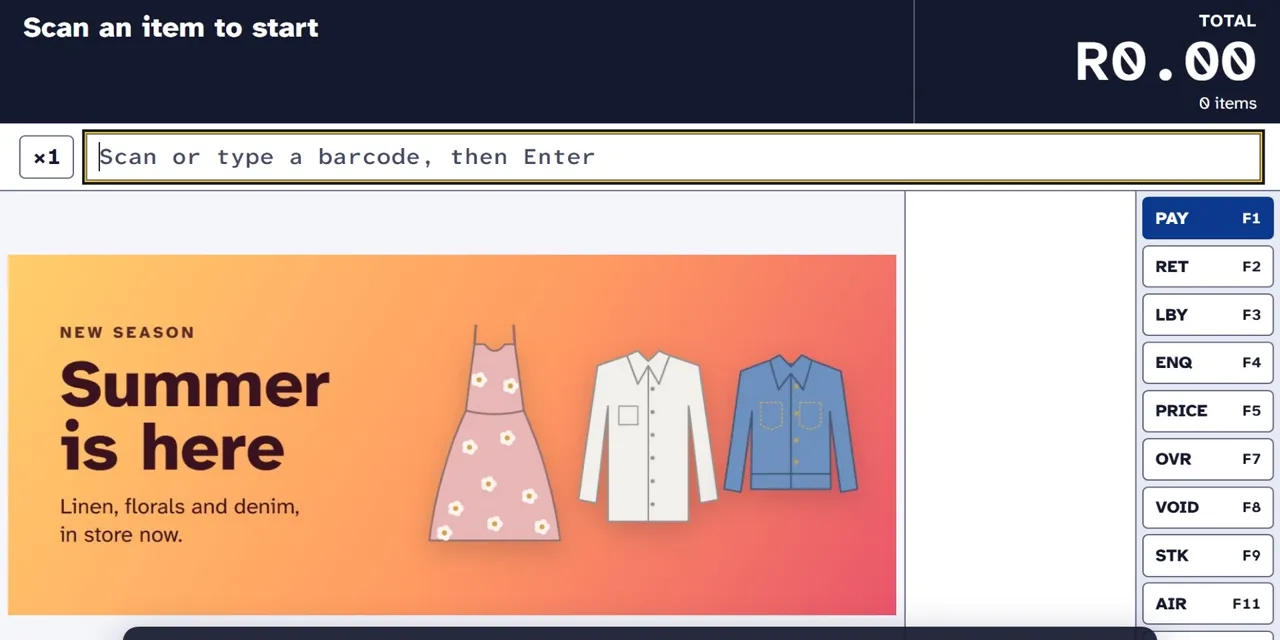 Tour 5:37Clothing & fashionXPOS 2.0Point of sale for clothing retail, from the till to head office.Explore
The till, the store's back office and the head-office dashboard in one product, and every till keeps selling when the network is down.
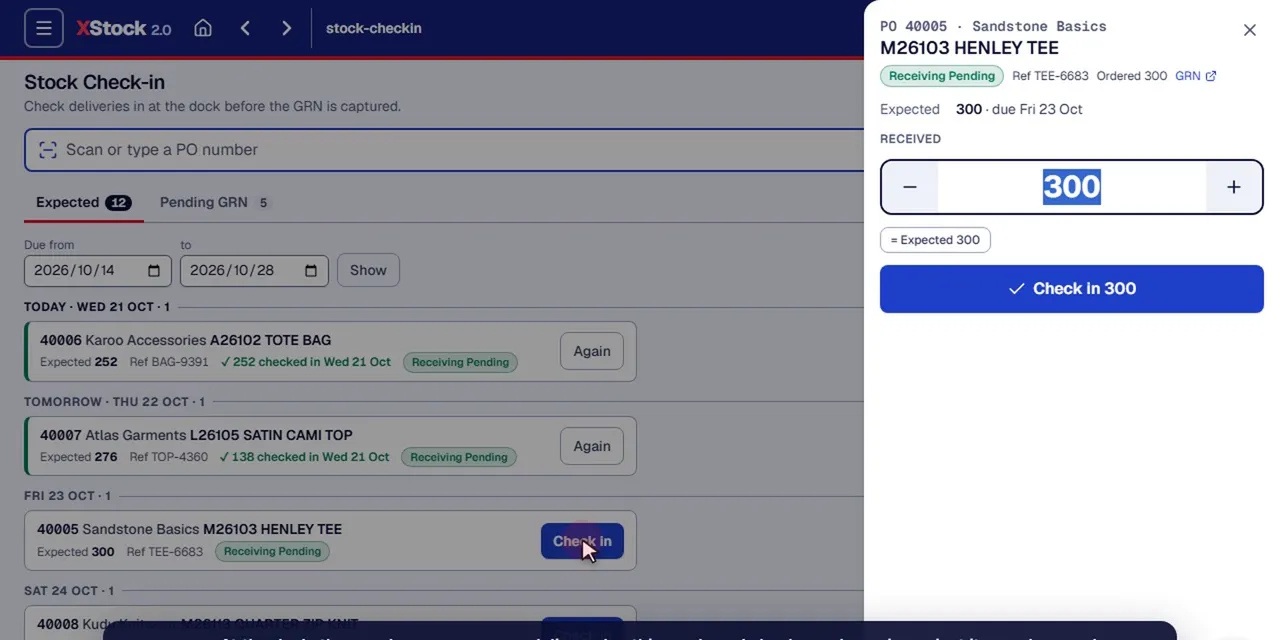 Tour 14:23Clothing & fashionXStock 2.0Head-office stock management for multi-store clothing retail.Explore
Head office and the warehouse. Buying, receiving by colour and size, distribution to the stores, pricing, promotions and sales reporting.
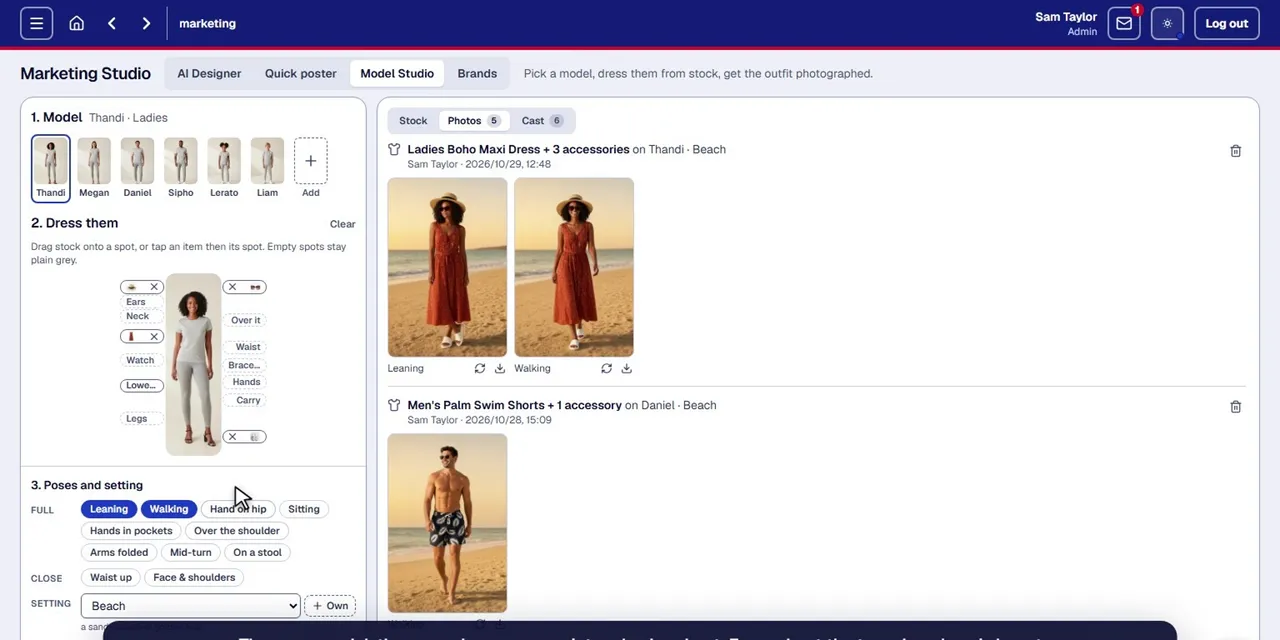 Tour 5:06Add-onCAD Marketing StudioProduct photos, clothing on models, posters and pamphlets, made from the products you already sell.Explore
An optional add-on for marketing. New stock photographed on a phone and cleaned by AI, your clothing on models, and posters and pamphlets in your brand with prices from XStock.
Yes. One key shows the selected style's stock in every colour and size, on the floor and on lay-by, with its price and how many have sold.
Yes. The basket goes on lay-by in a few keystrokes, the deposit is worked out and paid like any sale, the contract prints twice, and the stock moves from the floor to the lay-by room.
Cash, card and PayFlex, with cash rounded to ten cents. Staff can buy on their staff accounts with a supervisor's approval, and the till sells prepaid airtime, data and bill payments through Blue Label.
Yes. Every till keeps its own copy of what it needs, so it keeps selling when the network is down and catches up the moment it's back. Head office can see whether every sale has reached the cloud.
Through a cloud dashboard that shows the health of every store and till. Head office sets settings for the whole group or per store, uploads the banners and pictures the tills show, and gives one-time unlock codes for actions such as reopening a closed day.
Yes. Boxes from the warehouse or other branches are received by scanning the box number in the store's back office. Lines are checked off, and any difference needs a note.
Yes. XStock 2.0 runs head office for a chain of clothing stores supplied from its own warehouse. It covers buying with open-to-buy budgets, receiving by colour and size, allocation and dispatch to the stores, markdowns and basket promotions, and live sales against target and last year.
Yes. Endgame can be added at head office alongside XStock 2.0, and WMS can run a distribution warehouse. Both share data with XPOS 2.0 and XStock 2.0.