The whole site, in 3D
Every warehouse, aisle, bay and pad from the real layout, coloured by department, live stock, supplier or how full each slot is.
Watch in WMS0:32A retail distribution centre feeds every branch. WMS replaces the paper with a live 3D picture of the warehouse, guides the work on the floor from a phone, and checks the stock against your ERP every night. WMS runs with CAD 2.0 and Endgame, and can also be added to XPOS 2.0 and XStock 2.0 or to HomePOS 2.0. Clothing chains can also run their warehouse in XStock 2.0, and HomePOS 2.0 has its own stockroom and transfers.
Every point links to the moment it happens in the real product tour.
Every warehouse, aisle, bay and pad from the real layout, coloured by department, live stock, supplier or how full each slot is.
Watch in WMS0:32Each picking slip from the ERP is planned along the shortest route through the aisles.
Watch in WMS1:58Stop by stop, with how many to take from each location. A short pick is recorded as it happens.
Watch in WMS4:08Picked stock waits on its branch's pad and leaves as an inter-branch transfer. Incoming transfers are received with shorts and damage recorded.
Watch in WMS2:24Deliveries are put away line by line against the delivery note. The app suggests where each line belongs and warns before a slot overfills.
Watch in WMS4:52Scan the location, then each item. The counter never sees the system figure, and a count far from it asks for a recount before approval.
Watch in WMS5:26Stock is reconciled against the ERP item by item every night, so you can watch the numbers come into line as counting settles in.
Watch in WMS5:49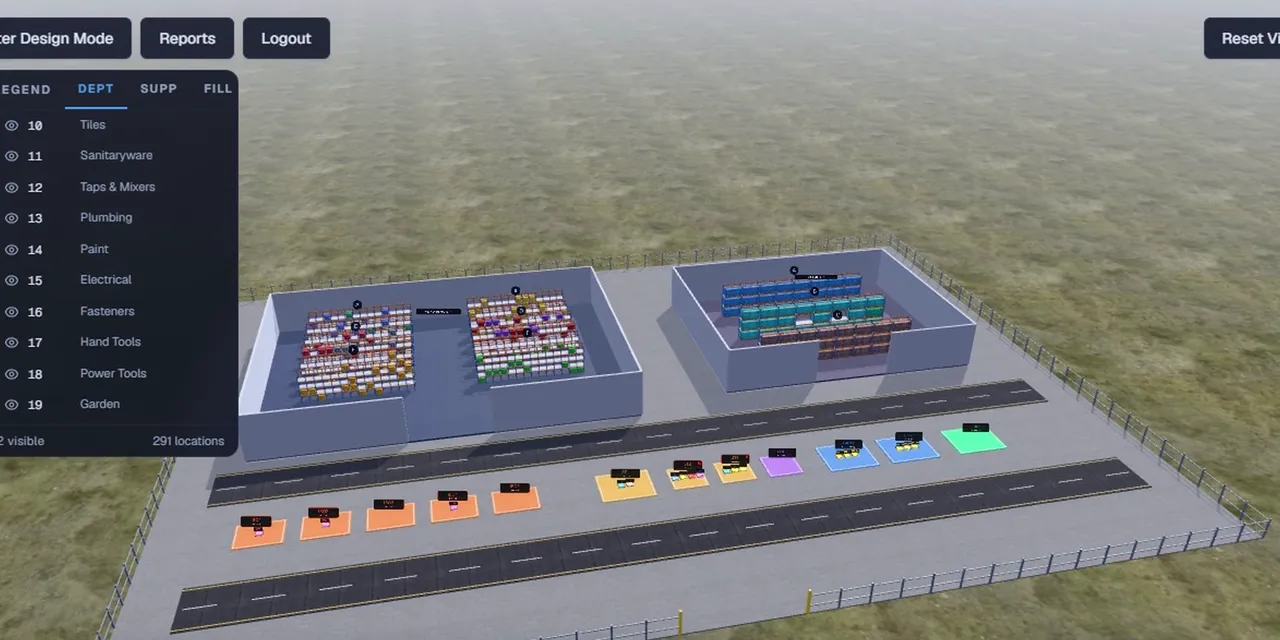 Tour 6:34General retail & supermarketsWMSWarehouse management for teams moving off paper.Explore
For general retail and supermarkets with CAD 2.0 and Endgame, and an add-on for XStock 2.0 and HomePOS 2.0. Warehouse management, layered over your existing ERP. The 3D warehouse, picking, put-away, moves, counts and reports.
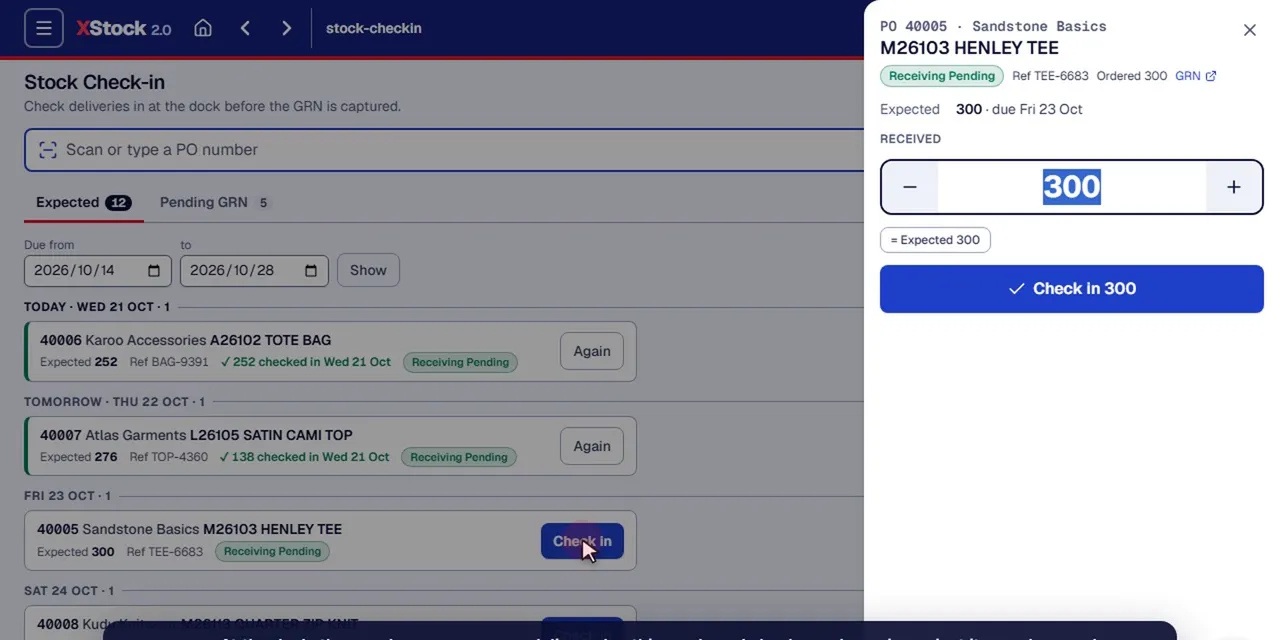 Tour 14:23Clothing & fashionXStock 2.0Head-office stock management for multi-store clothing retail.Explore
For clothing chains on XPOS 2.0. Dock check-in, receiving by colour and size, allocation, handheld packing and dispatch waves to the stores.
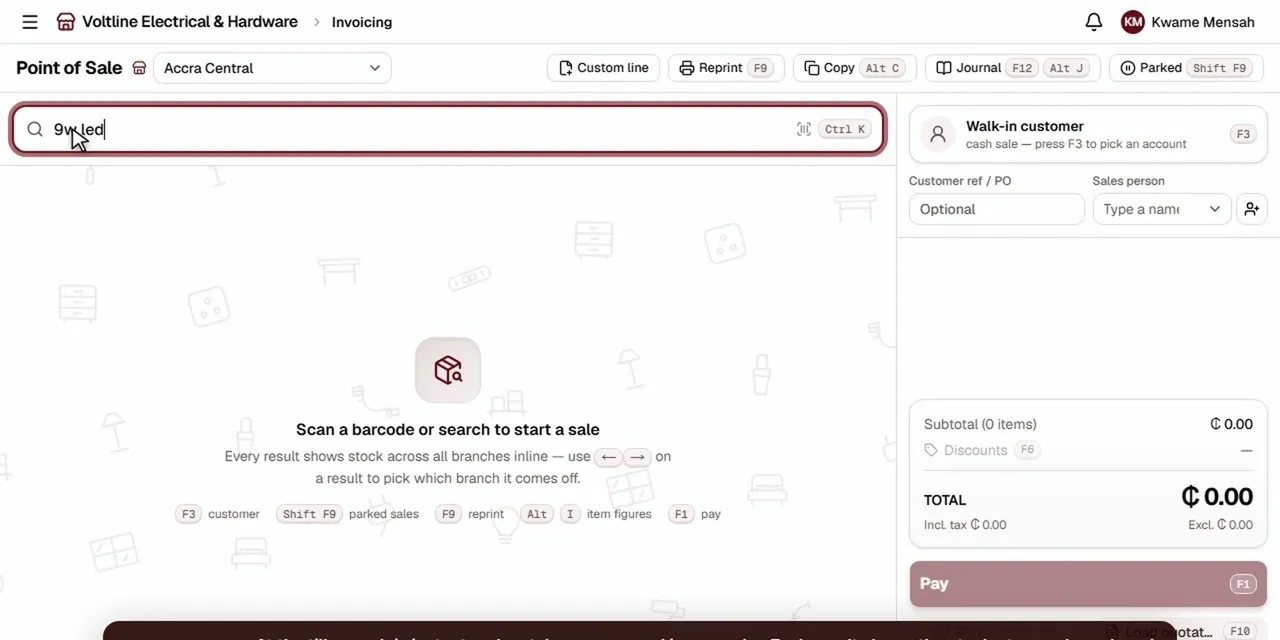 Tour 8:49Hardware, building, electrical & furnitureHomePOS 2.0The counter, the stockroom and the books for multi-branch retailers.Explore
For hardware, building supply, electrical and furniture retailers. Transfers, worklists and receiving between branches and warehouses.
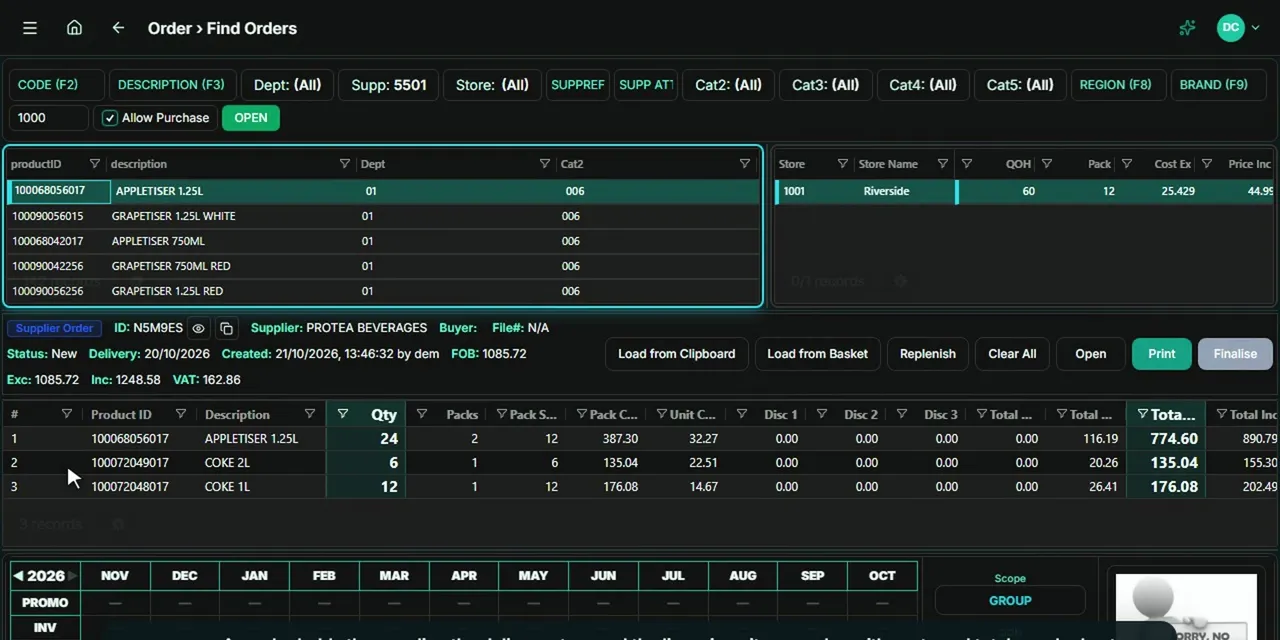 Tour 4:12General retail & supermarketsEndgameThe head-office back office for multi-store retail.Explore
Head office for the same stores as WMS. Orders for the DC and for each store.
General retailers and supermarkets run WMS alongside CAD 2.0 and Endgame, and it can also be added to XStock 2.0 or HomePOS 2.0. Clothing chains on XPOS 2.0 run their warehouse in XStock 2.0, with dock check-in, receiving by colour and size, and dispatch waves to the stores. HomePOS 2.0 handles transfers, worklists and receiving between its own branches and warehouses.
No. WMS layers over your existing ERP. Requisitions come in from the ERP, and stock is reconciled with it item by item every night.
Phones with scanning. Staff get a short menu with big buttons for what needs doing, picking, transfers and counts.
Yes. Managers lay out warehouses, aisles, racks and pads in the designer. Location codes follow the layout, and changes that would re-letter occupied locations are refused.
Cycle counts come due according to how busy each location is. Counts are blind, so the counter never sees the system figure, and a count far from it asks for a recount before approval.
Everyone signs in with a personal access code. What they can do follows their clearance level, and everything they do is recorded under their name.