How did yesterday go?
Ask the assistant, and get sales, margin, the best seller and the one that slipped, from the same tables as every report you know.
Real screens from the product tour. Tap any one to watch it in the full tour.
Ask the assistant, and get sales, margin, the best seller and the one that slipped, from the same tables as every report you know.
Both run in the browser on one desktop. Snap them side by side and switch from the taskbar, with one set of books underneath.
Pick up the items you're working on and drop them on a bulk edit, an order, a price change or labels. Nothing is retyped.
Drag one product onto another to make a family. Then it moves as one: fold it to a line, or drag all of it into a basket.
Ask in plain words. The assistant filters the list, fills the basket, and shows you what it did.
The assistant reads the sales, the season, what's on the way and what's on promotion, and writes its reasoning on every line. Change what you like, then authorise.
It finds the order and fills the lines as it reads, handwriting included. A case written in short by hand is counted short.
Set the margin once and the new prices land on your price points. Three items or three hundred take the same few seconds.
Pick the kind of deal and drag in the items. The till slip shows exactly what the customer will get.
A narrated walk through Admin 2.0, recorded on the real product with demo data. Jump to any chapter.
Admin 2.0 is the back office in each store: where the manager and the office look after items, orders, deliveries, prices and the numbers. It runs beside Admin Classic, the Admin CAD stores have used for years, on the same store and the same books, so each person moves across at their own pace. Everything in the tour is the real product running on demo data.
What the assistant does, and what it won’t do without you: AI at work. How the store office fits with the tills and head office: How CAD 2.0 works.
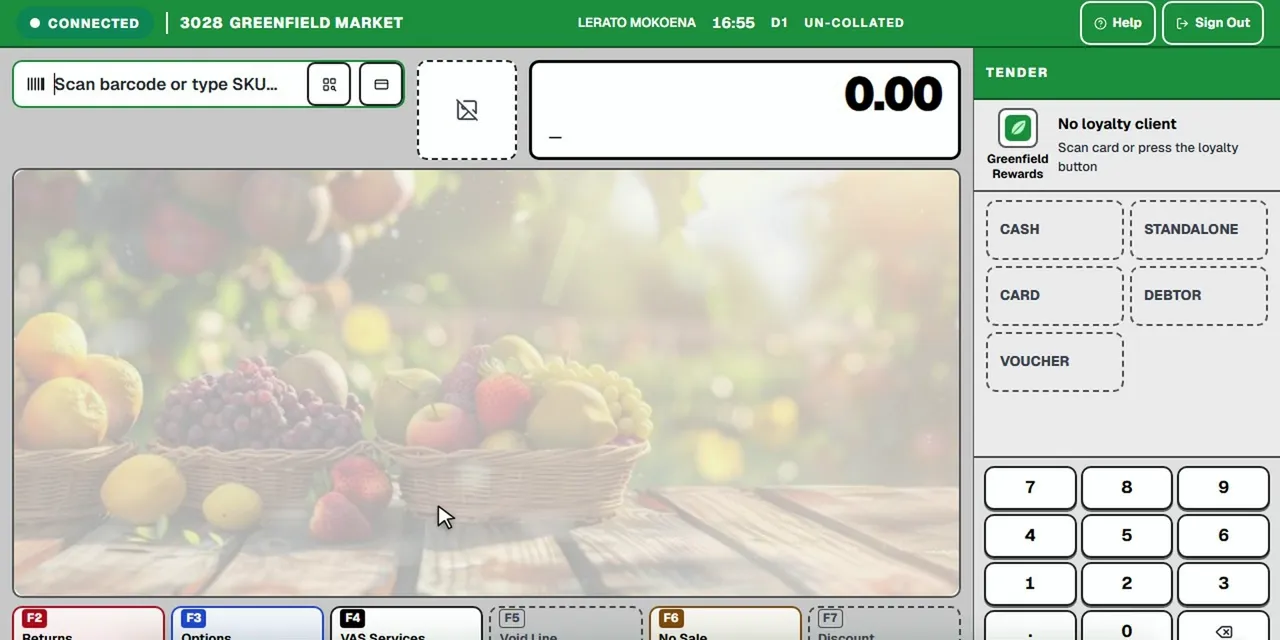 Tour 5:07General retail & supermarketsCAD 2.0Frontline point of sale for busy supermarkets.Explore
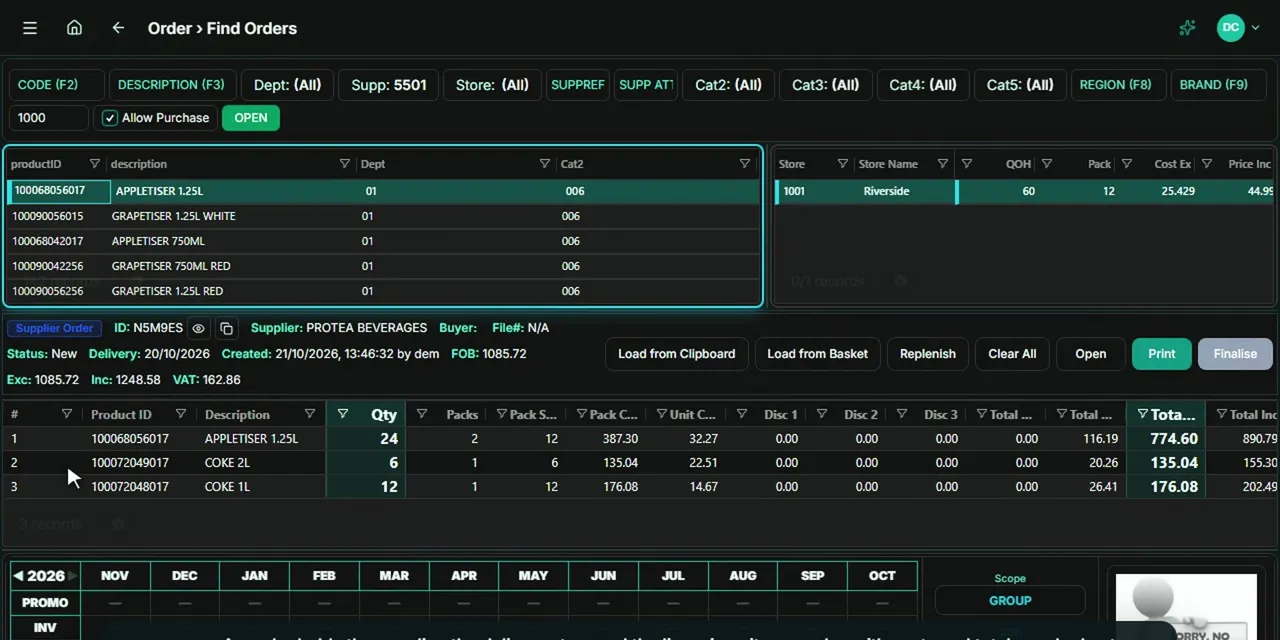 Tour 4:12General retail & supermarketsEndgameThe head-office back office for multi-store retail.Explore
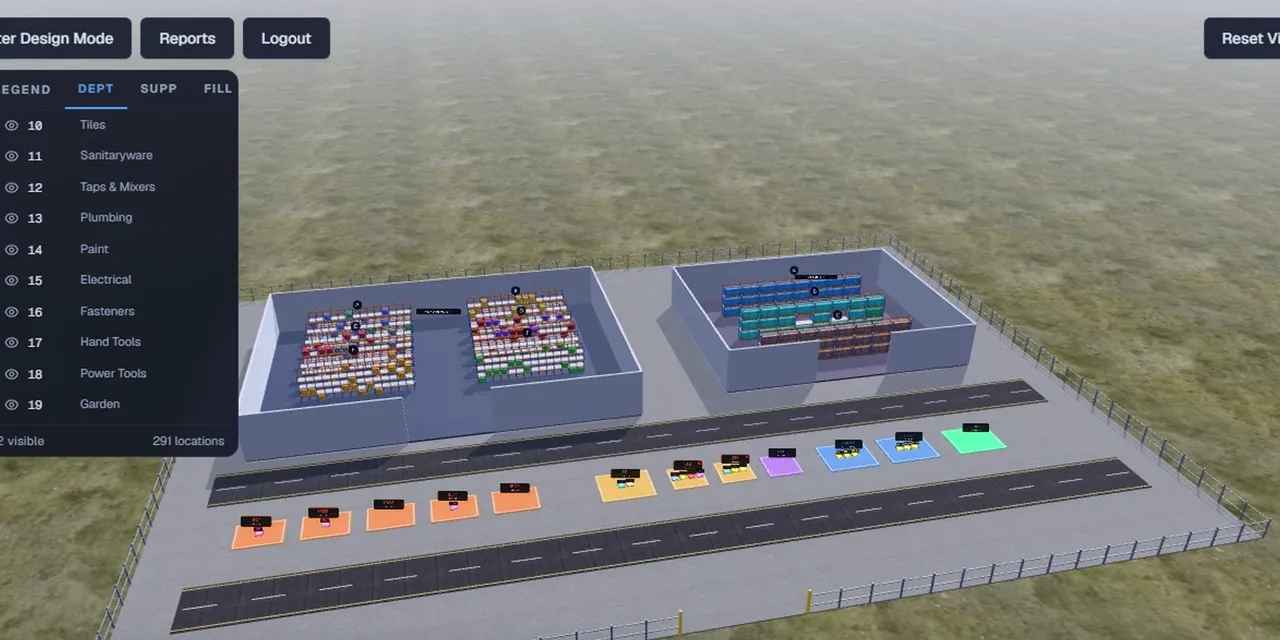 Tour 6:34General retail & supermarketsWMSWarehouse management for teams moving off paper.Explore
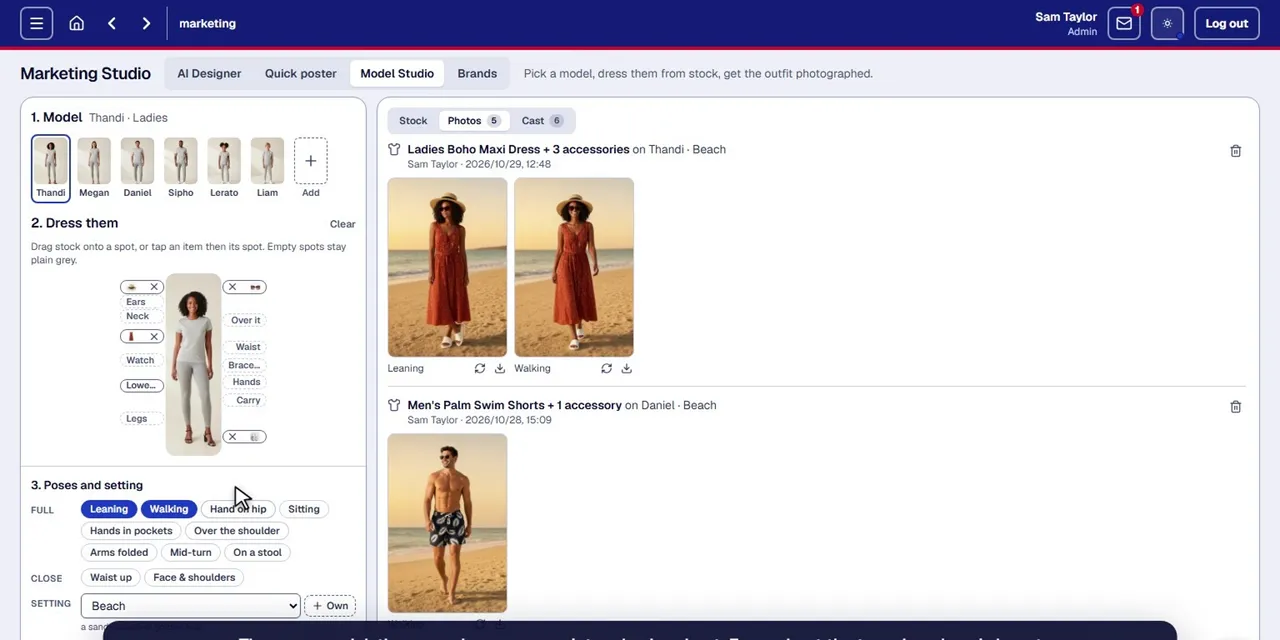 Tour 5:06Add-onCAD Marketing StudioProduct photos, clothing on models, posters and pamphlets, made from the products you already sell.Explore