The whole site, in 3D
Every warehouse, aisle, bay and pad from the real layout, each slot coloured by department.
Real screens from the product tour. Tap any one to watch it in the full tour.
Every warehouse, aisle, bay and pad from the real layout, each slot coloured by department.
Every shelf, bay by bay and level by level, coloured by live stock, so problems stand out before anyone walks the floor.
Switch the colouring to supplier or fill: empty, comfortable or over-full, before space slows anyone down.
Each picking slip from the ERP is planned along the shortest route through the aisles.
Picked stock waits on its branch's pad and leaves as an inter-branch transfer.
Stop by stop, with how many to take from each location. A short pick is recorded as it happens.
Type the transfer number off the paperwork and the scanner loads it from the pad it was received onto, or says why it can't.
A top-up opens with the bulk slot filled in: scan the item, set the quantity, load it. One trolley carries lines from several places.
Stock, movement, inbound, outbound, picking, accuracy and space, with the trend over months.
A narrated walk through WMS, recorded on the real product with demo data. Jump to any chapter.
WMS replaces the paper in a retail distribution warehouse: it shows where everything is, guides the work on the floor, and keeps the ERP honest. Everything in the tour is the real product running on demo data.
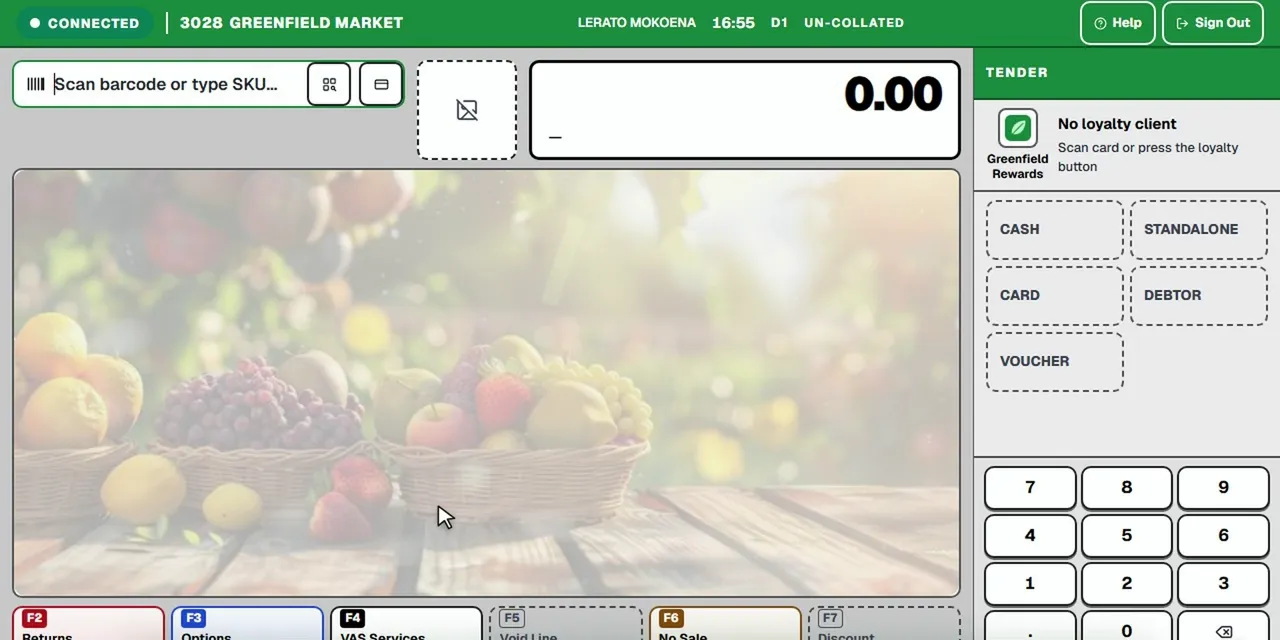 Tour 5:07General retail & supermarketsCAD 2.0Frontline point of sale for busy supermarkets.Explore
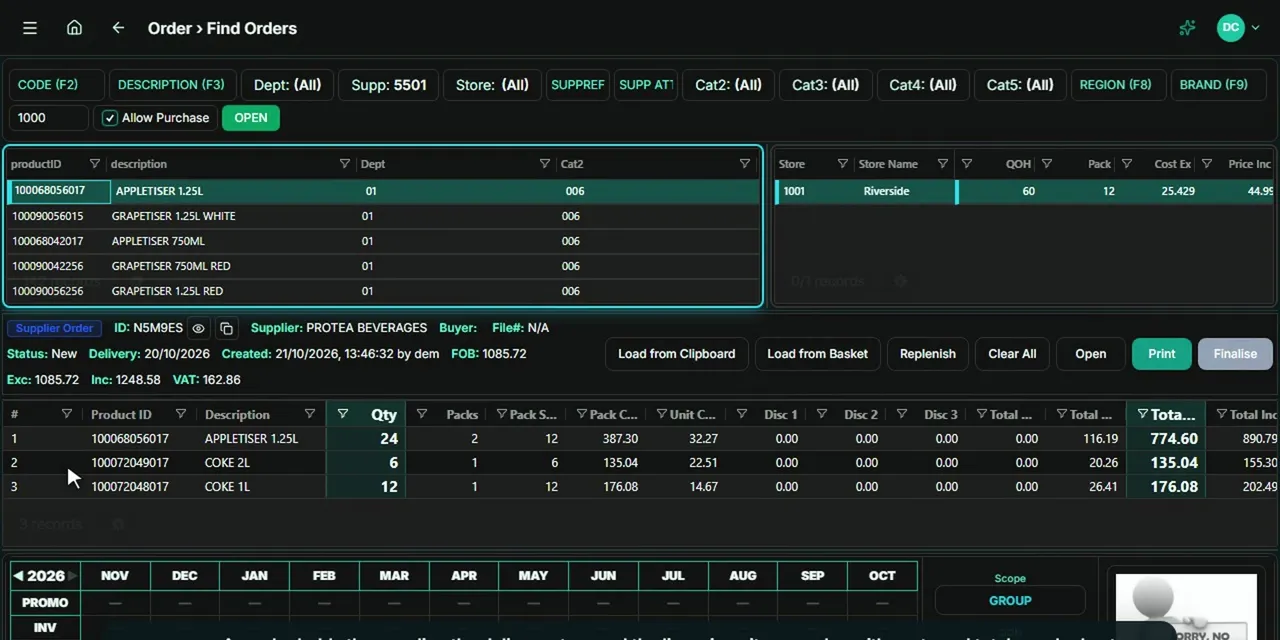 Tour 4:12General retail & supermarketsEndgameThe head-office back office for multi-store retail.Explore
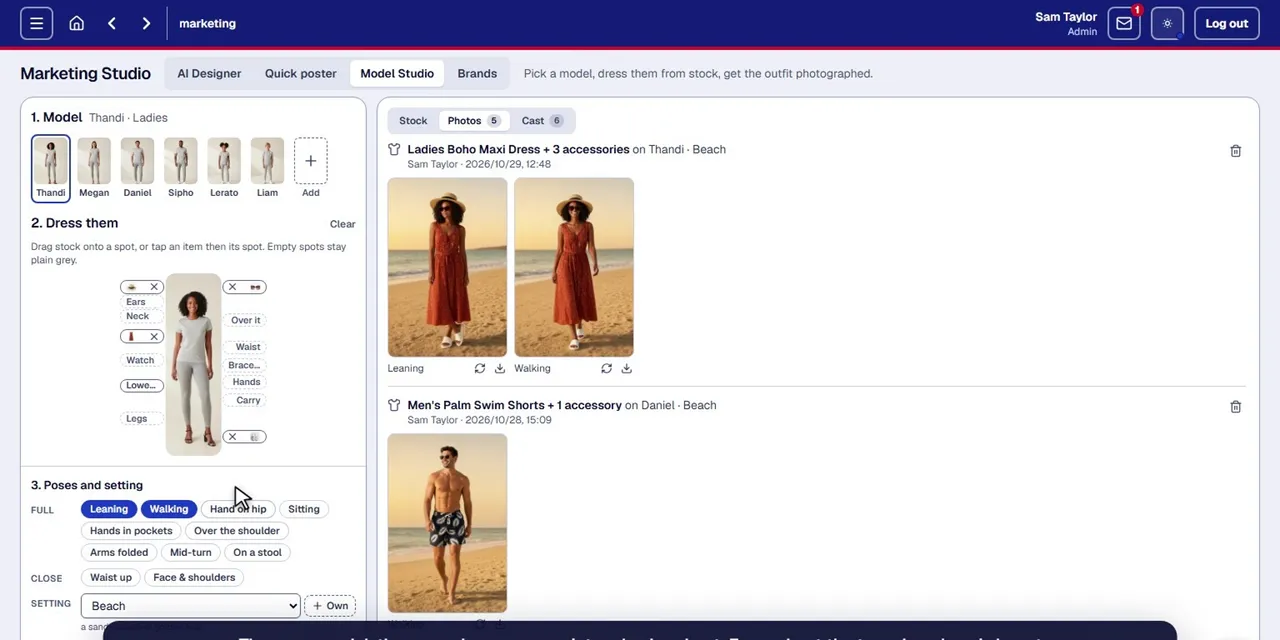 Tour 5:06Add-onCAD Marketing StudioProduct photos, clothing on models, posters and pamphlets, made from the products you already sell.Explore
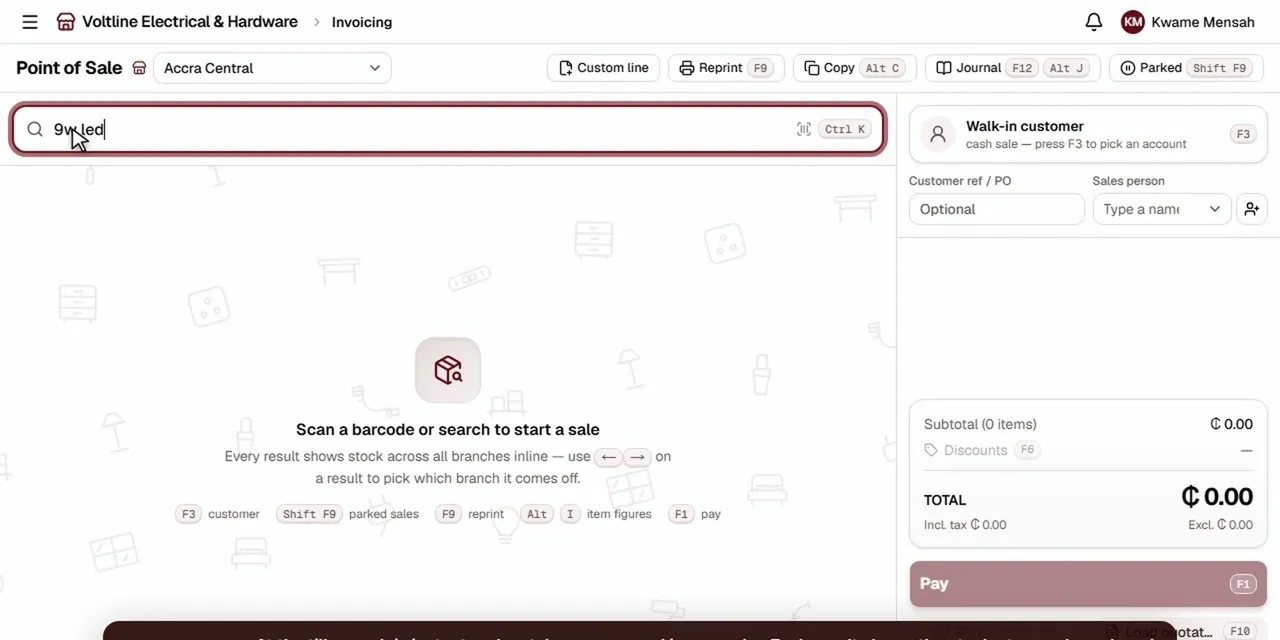 Tour 8:49Hardware, building, electrical & furnitureHomePOS 2.0The counter, the stockroom and the books for multi-branch retailers.Explore
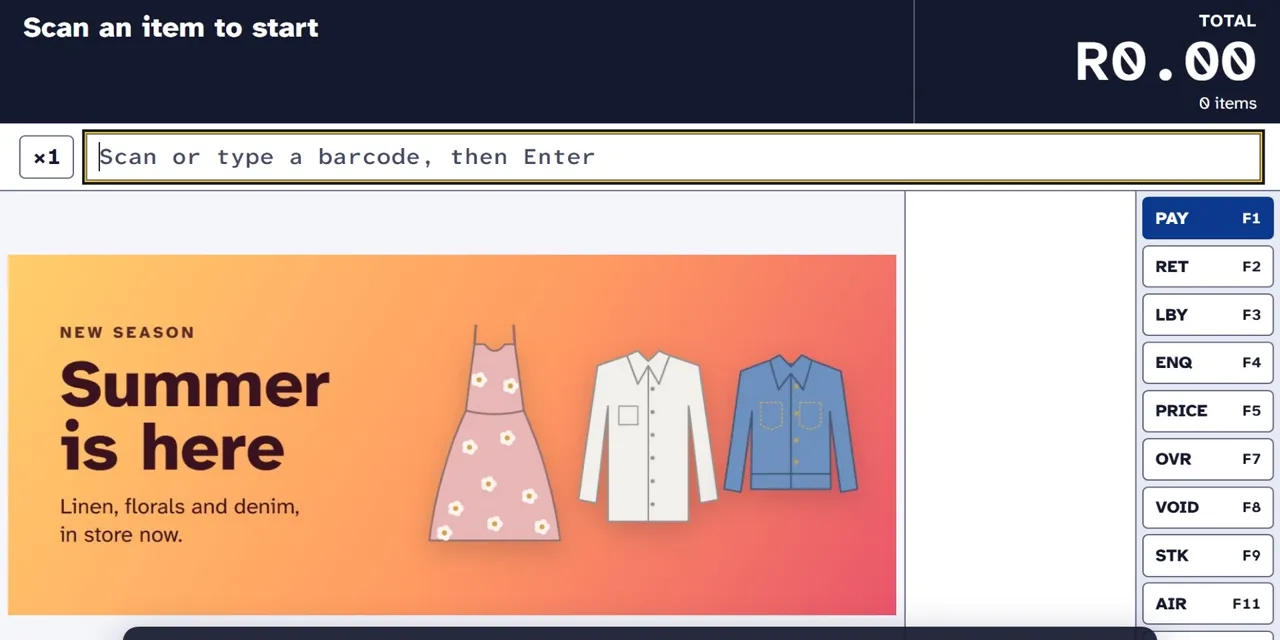 Tour 5:37Clothing & fashionXPOS 2.0Point of sale for clothing retail, from the till to head office.Explore
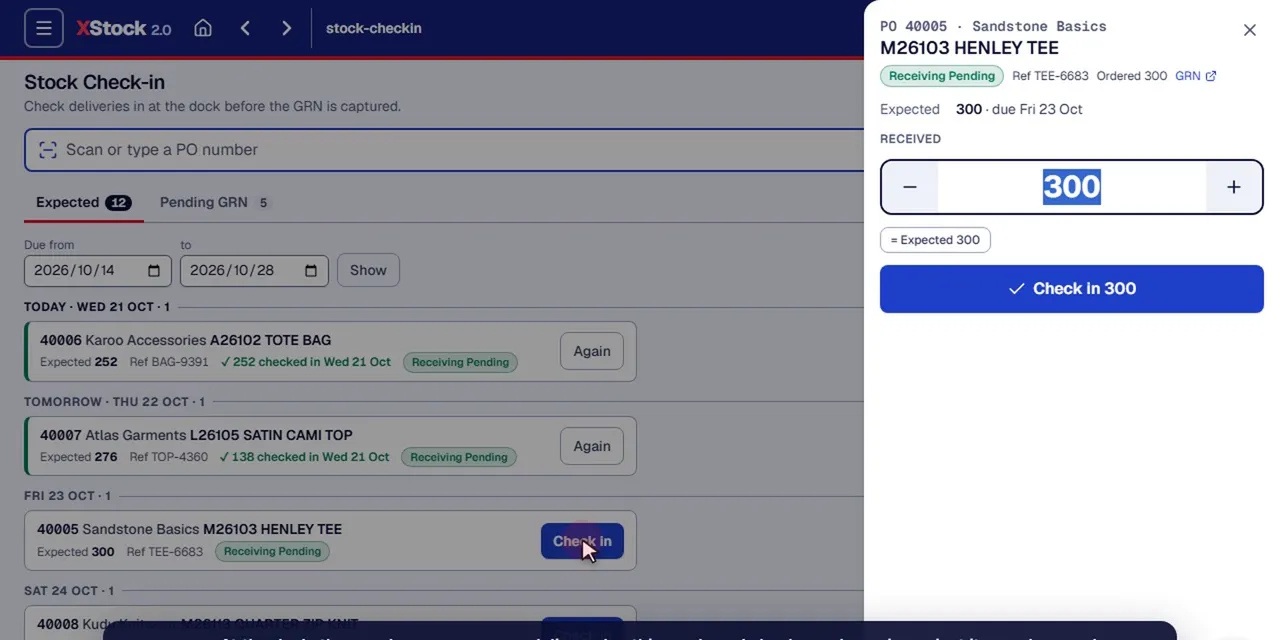 Tour 14:23Clothing & fashionXStock 2.0Head-office stock management for multi-store clothing retail.Explore